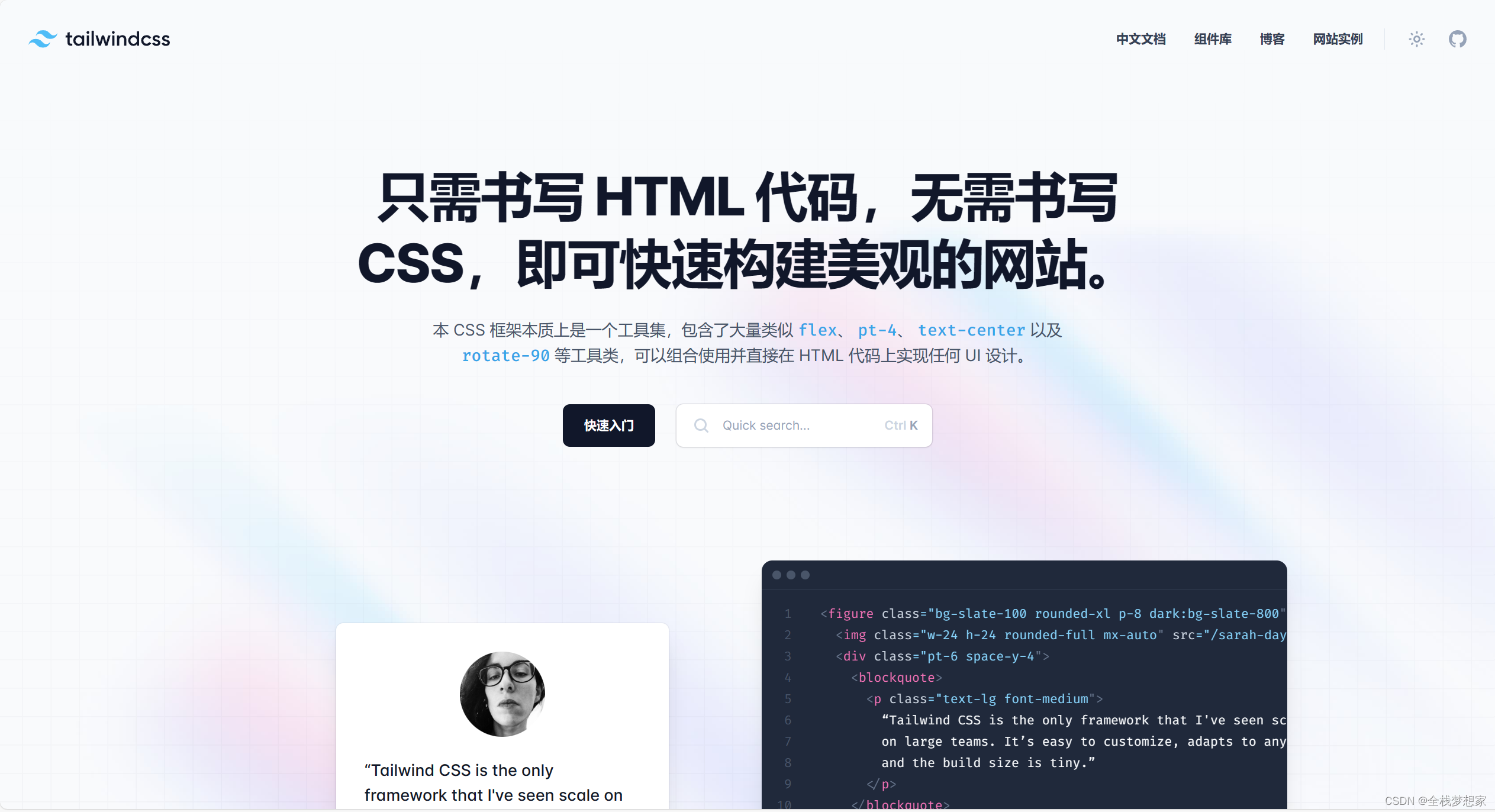
使用 Tailwind CSS 完成導航欄效果
本文將向您介紹如何使用 Tailwind CSS 創建一個漂亮的導航欄。通過逐步演示和示例代碼,您將學習如何使用 Tailwind CSS 的類來設計和定制導航欄的樣式。
準備工作
在開始之前,請確保已經安裝了 Tailwind CSS。如果沒有,請使用 npm 或 yarn 進行安裝:
npm install tailwindcss
HTML 結構
首先,讓我們創建一個簡單的 HTML 結構作為導航欄的容器。在 HTML 文件中添加以下代碼:
<nav class="bg-gray-800"><div class="max-w-7xl mx-auto px-4 sm:px-6 lg:px-8"><div class="flex items-center justify-between h-16"><div class="flex items-center"><div class="flex-shrink-0"><img class="h-8 w-8" src="logo.png" alt="Logo"></div><div class="hidden md:block"><div class="ml-10 flex items-baseline space-x-4"><a href="#" class="text-gray-300 hover:bg-gray-700 hover:text-white px-3 py-2 rounded-md text-sm font-medium">首頁</a><a href="#" class="text-gray-300 hover:bg-gray-700 hover:text-white px-3 py-2 rounded-md text-sm font-medium">關于</a><a href="#" class="text-gray-300 hover:bg-gray-700 hover:text-white px-3 py-2 rounded-md text-sm font-medium">產品</a><a href="#" class="text-gray-300 hover:bg-gray-700 hover:text-white px-3 py-2 rounded-md text-sm font-medium">聯系我們</a></div></div></div><div class="-mr-2 flex md:hidden"><button type="button" class="bg-gray-800 inline-flex items-center justify-center p-2 rounded-md text-gray-400 hover:text-white hover:bg-gray-700 focus:outline-none focus:ring-2 focus:ring-offset-2 focus:ring-offset-gray-800 focus:ring-white"><span class="sr-only">打開導航菜單</span><svg class="h-6 w-6" xmlns="http://www.w3.org/2000/svg" fill="none" viewBox="0 0 24 24" stroke="currentColor" aria-hidden="true"><path stroke-linecap="round" stroke-linejoin="round" stroke-width="2" d="M4 6h16M4 12h16M4 18h16"></path></svg></button></div></div></div>
</nav>
在這個示例中,我們創建了一個具有背景顏色的
Tailwind CSS 類解析
在上述 HTML 結構中,我們使用了一系列的 Tailwind CSS 類來設置導航欄的樣式。這些類的作用如下:
bg-gray-800: 設置導航欄的背景顏色為灰色。
max-w-7xl: 設置導航欄的最大寬度為 7xl。
mx-auto: 將導航欄水平居中對齊。
px-4 sm:px-6 lg:px-8: 設置左右內邊距。
flex: 將容器內的子元素設置為彈性布局。
items-center: 將容器內的子元素居中對齊。
justify-between: 在容器內的子元素之間均勻分布空間。
hidden: 在指定屏幕尺寸下隱藏元素。在這里,我們只在中等以上屏幕尺寸上顯示導航鏈接。
md:block: 指定屏幕尺寸上顯示隱藏的元素。在這里,我們只在中等以上屏幕尺


)


)


