目錄
系統區別
win:不支持桌面通知,使用氣泡顯示
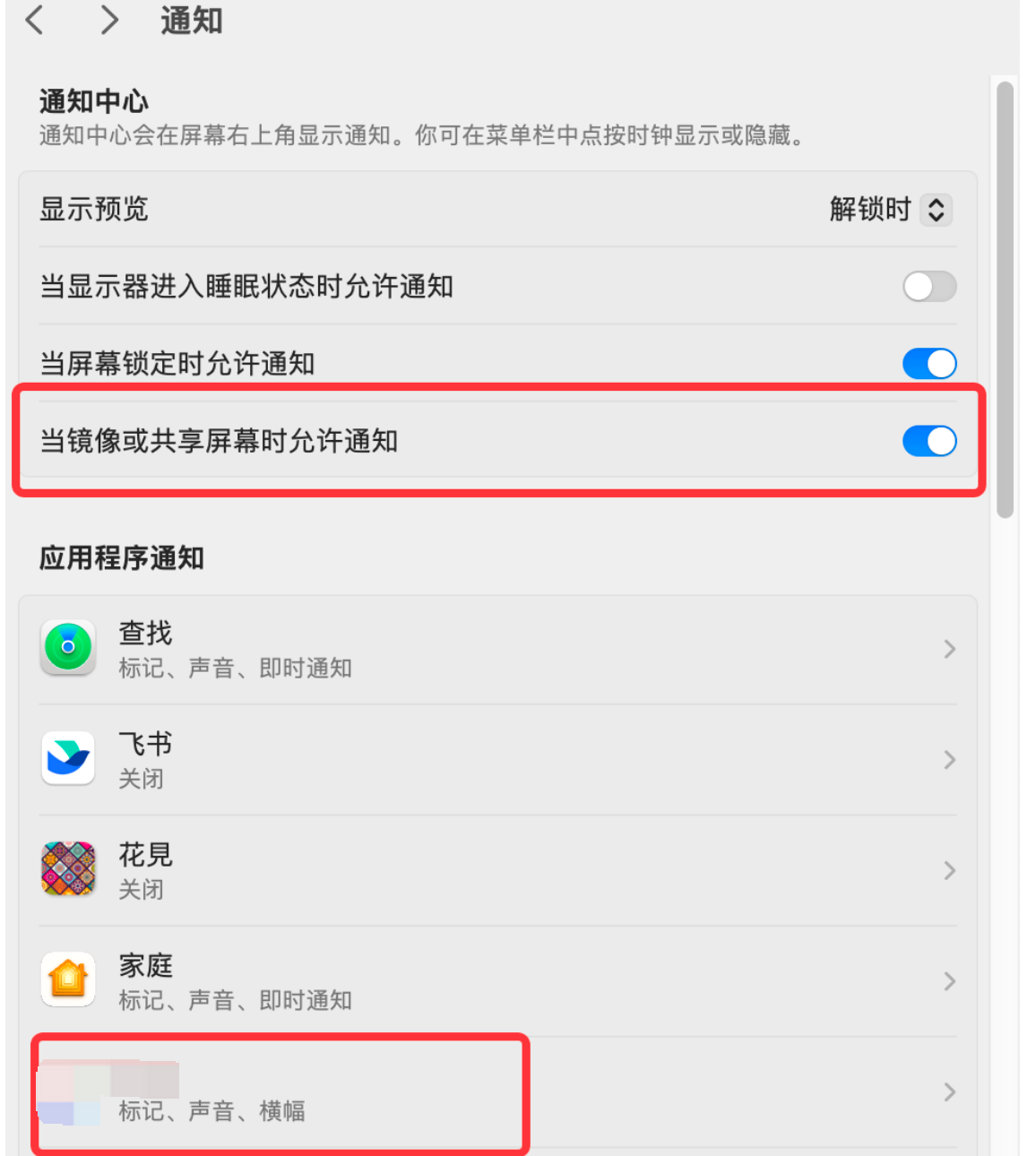
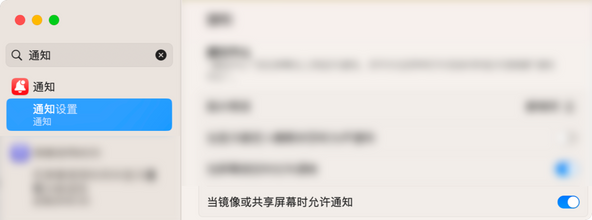
mac:有鏡像/共享屏幕時 通知免打擾設置
代碼
Vuex:免打擾狀態
src/store/App/mutations.ts
src/store/App/state.ts
src/views/miracast/index.vue
Util
【可選】src/util/ipcUtil.ts:重寫ipc【日志記錄】
src/util/webimutil.ts:判斷系統、通知
通知
樣式
html
css
參考鏈接
系統區別
win:不支持桌面通知,使用氣泡顯示
window.Electron && window.Electron.ipcRenderer.send()
mac:有鏡像/共享屏幕時 通知免打擾設置
const notification =new Notification(title,option)
且通知樣式是固定的,只能傳部分參數
?? ??? ?/**
?? ??? ? * title: "字符串"
?? ??? ? * option: {
?? ??? ? * ?body: "xxxxx",
?? ??? ? * ?tag: "IM",
?? ??? ? * ?icon: ""
?? ??? ? * }
?? ??? ? */new后會在用戶設備的通知中心中創建一個通知條目,
notification.show();手動顯示通知,
但一般是把條目按需放在通知中心,等待顯示
代碼
Vuex:免打擾狀態
src/store/App/mutations.ts
? ? SET_NOTIFY_MUTED(state:any, value:any) {state.notifyMuted= value;},src/store/App/state.ts
? ? notifyMuted:false,//通知免打擾src/views/miracast/index.vue
  <el-checkbox v-model="isMuted" @change="toggleMute">投屏后不彈出新消息提示</el-checkbox>watch:{castStatus(newStatus:string){if(newStatus=='isCasting'&&this.isMuted){this.$store.commit('App/SET_NOTIFY_MUTED',true);}else{this.$store.commit('App/SET_NOTIFY_MUTED',false);}}},methods:{toggleMute() {     if(this.castStatus=='isCasting'&&this.isMuted){this.$store.commit('App/SET_NOTIFY_MUTED',true);}else{this.$store.commit('App/SET_NOTIFY_MUTED',false);}},
}
Util
【可選】src/util/ipcUtil.ts:重寫ipc【日志記錄】
src/util/webimutil.ts:判斷系統、通知
import ipcUtil from '@/util/ipcUtil';const userAgent = window.navigator.userAgent.toLowerCase();
const ipc = window.Electron && window.Electron.ipcRenderer;/*** @desc 判斷系統類型*/
export const checkWin = () => {let sUserAgent = navigator.userAgent;let isWin = sUserAgent.indexOf('Windows') > -1;return isWin;
};//在瀏覽器環境中,window 是全局對象,不需要前綴
export const isMac() = () => {return /macintosh|mac os x/i.test(navigator.userAgent);
},
export class NotificationHelper {static isNotificationSupported() {return typeof Notification === 'function' || typeof Notification === 'object';}static requestPermission() {if (!NotificationHelper.isNotificationSupported()) {return;}Notification.requestPermission().then(function(permission) {console.log('用戶是否允許通知: ', permission === 'granted' ? '允許' : '拒絕');});}static showNotification(title: any, option: any, content: any) {//(正在聚焦、沒有隱藏、主會話頁)|| 免打擾  時 不通知if ((store.state.App.appIsFocus && !document.hidden && content.$route.path == '/main/conversation')||store.state.App.notifyMuted) {return;}// win不支持桌面通知if (checkWin()) {//氣泡顯示ipc.send('display-balloon', title, option);//閃爍圖標ipc.send('flash-dock');return;}if (!NotificationHelper.isNotificationSupported()) {return;}if (Notification.permission !== 'granted') {NotificationHelper.requestPermission();}/*** title: "字符串"* option: {*  body: "xxxxx",*  tag: "IM",*  icon: ""* }*/let notify = new Notification(title, {...option,silent: true, //是否保持靜默});notify.onshow = function() {};notify.onclick = function() {};notify.onclose = function() {};notify.onclose = function() {};notify.onerror = function() {};}
}
通知
webimutil.NotificationHelper.showNotification('視頻會議',{icon: 'assets/img/meishi.ico',body: '您的賬號在其他地方登錄!',silent: true,},this,);樣式
html
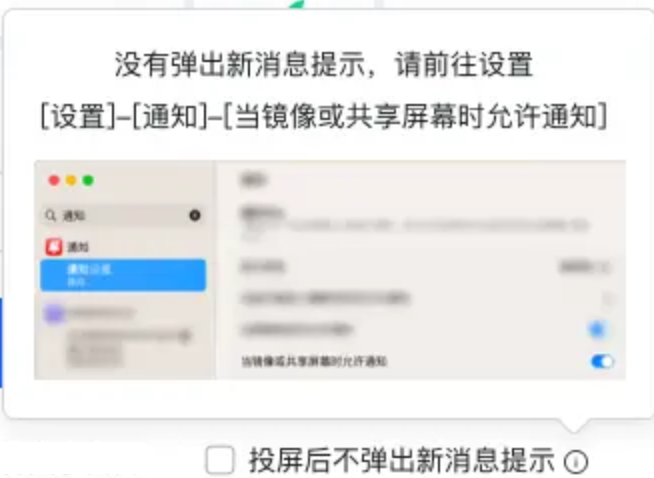
<el-checkbox v-model="isMuted" @change="toggleMute">投屏后不彈出新消息提示</el-checkbox><el-popoverv-if="!isWin"placement="top-end"trigger="hover" popper-class="info-popover"><div class="mute-tip"><dl><dd>沒有彈出新消息提示,請前往設置</dd><dd>[設置]-[通知]-[當鏡像或共享屏幕時允許通知]</dd></dl><img src="../../assets/img/miracast/mac_mute.png" alt="示例圖片" ></div><i slot="reference" class="el-icon-info"></i></el-popover>css
.info-popover{width: 328px;height: 206px ;background-color: rgba(255, 255, 255, 1);border: 1px solid rgba(206, 212, 224, 1);border-radius: 6px;box-shadow: 0px 4px 12px 0px rgba(27, 28, 30, 0.1);.mute-tip{display: flex;flex-direction: column;justify-content: space-around;height: 96%; text-align: center;align-items: center;dl{padding-top: 7px;}dd {font-size: 14px;font-weight: 400;line-height: 26px;color: #A8ACB3;}img {padding: 7px 0;width: 296px;height: 110px;border-radius: 8px;}}}參考鏈接
通知 | Electron
通知(Notifications) | Electron
Notifications | Apple Developer Documentation


![[ Spring 框架 ] 框架搭建和屬性賦值](http://pic.xiahunao.cn/[ Spring 框架 ] 框架搭建和屬性賦值)


)